


In collaboration with

Book forex through your trusted apps
 Mobikwik
 BHIM
BHIM  CRED
CRED  Federal Bank
 In collaboration with
Mobikwik BHIM CRED Federal Bank 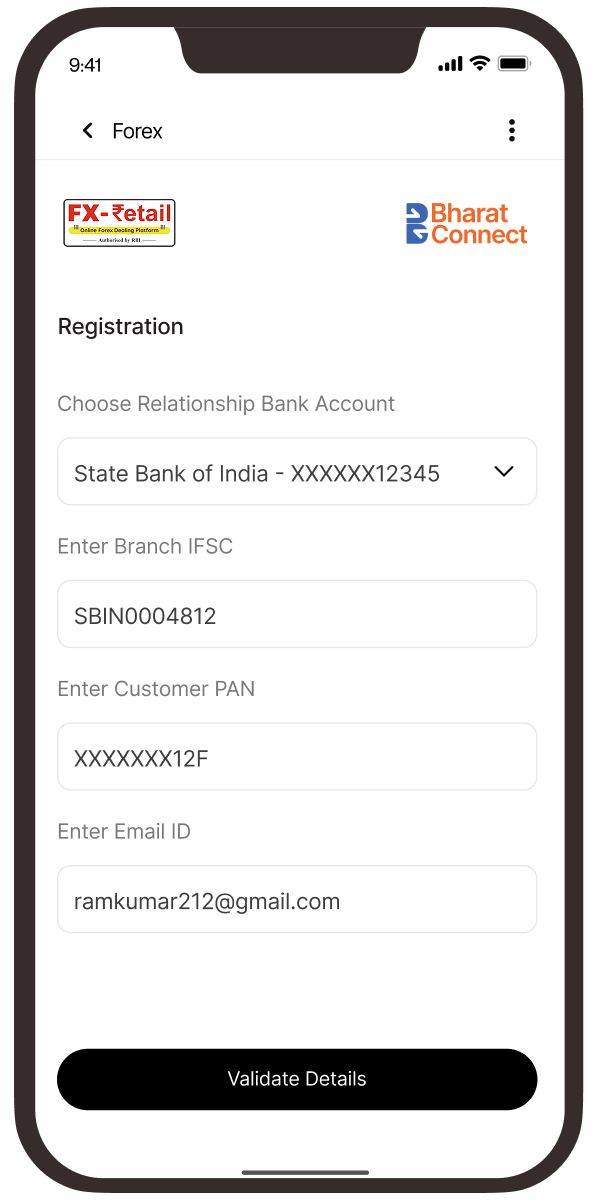
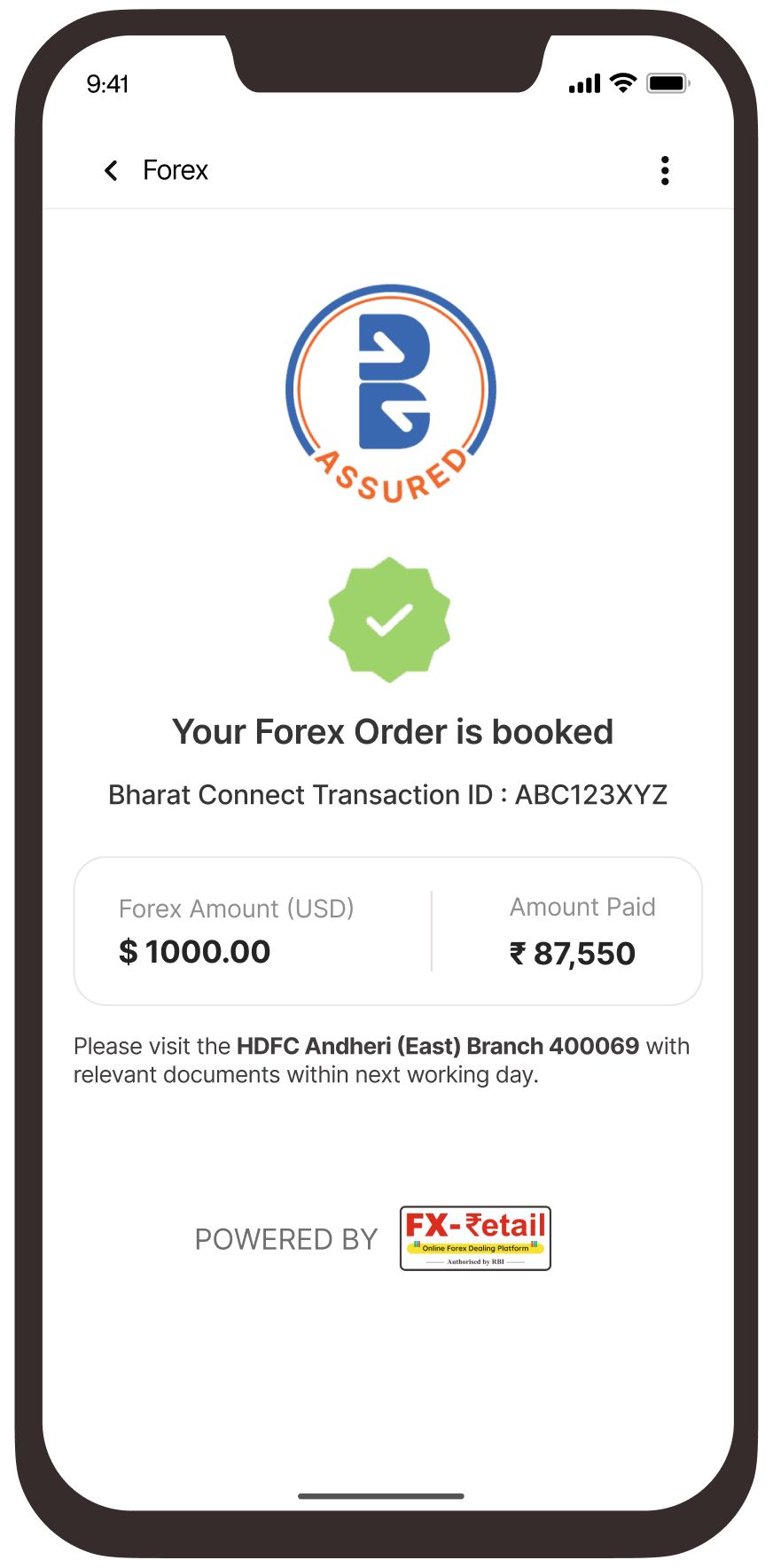
Complete one-time registration by entering your details like PAN, Bank A/c No, Branch IFSC and Email
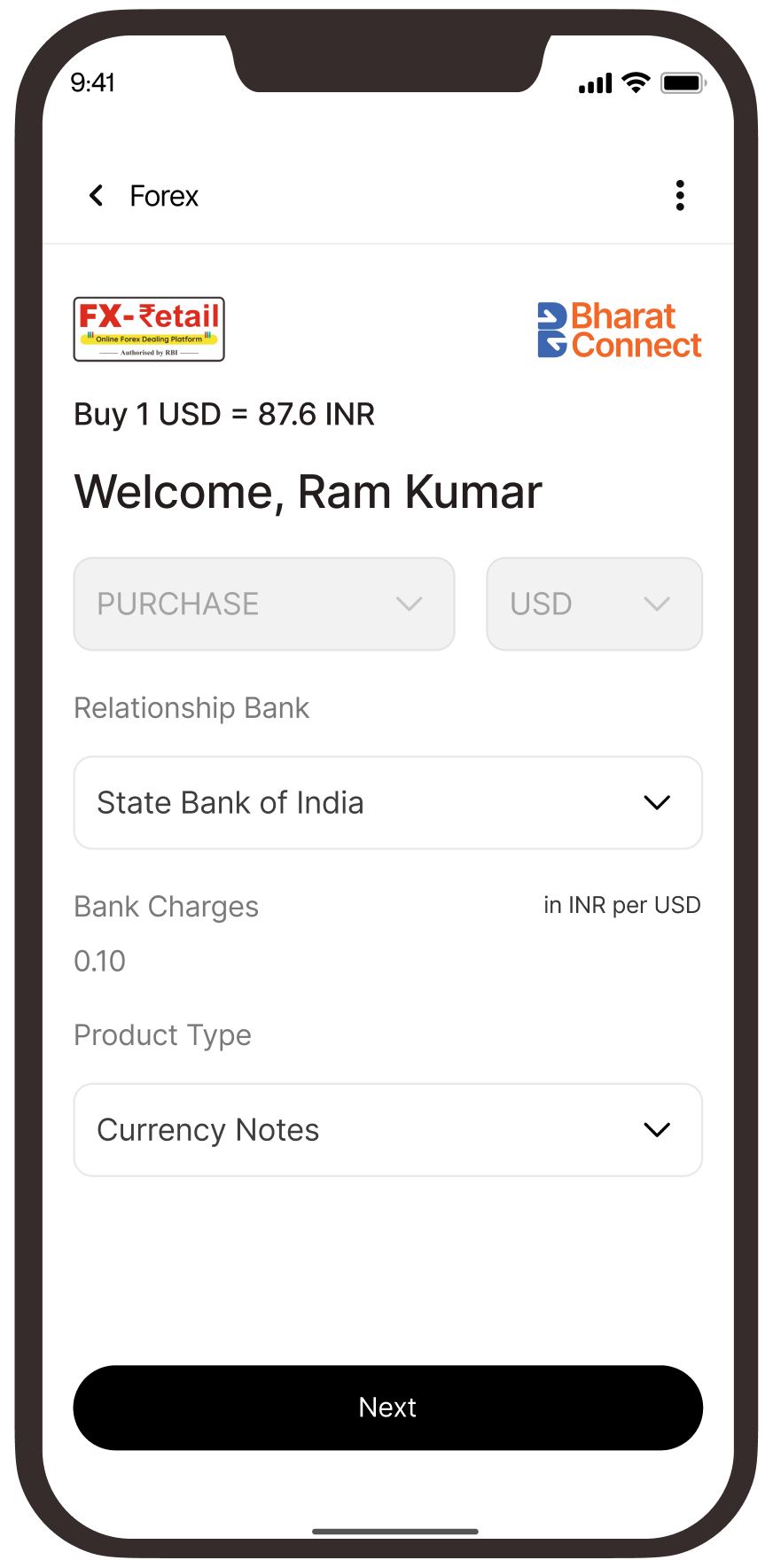
Select the Bank and choose “Currency Notes/ Cash” as the product
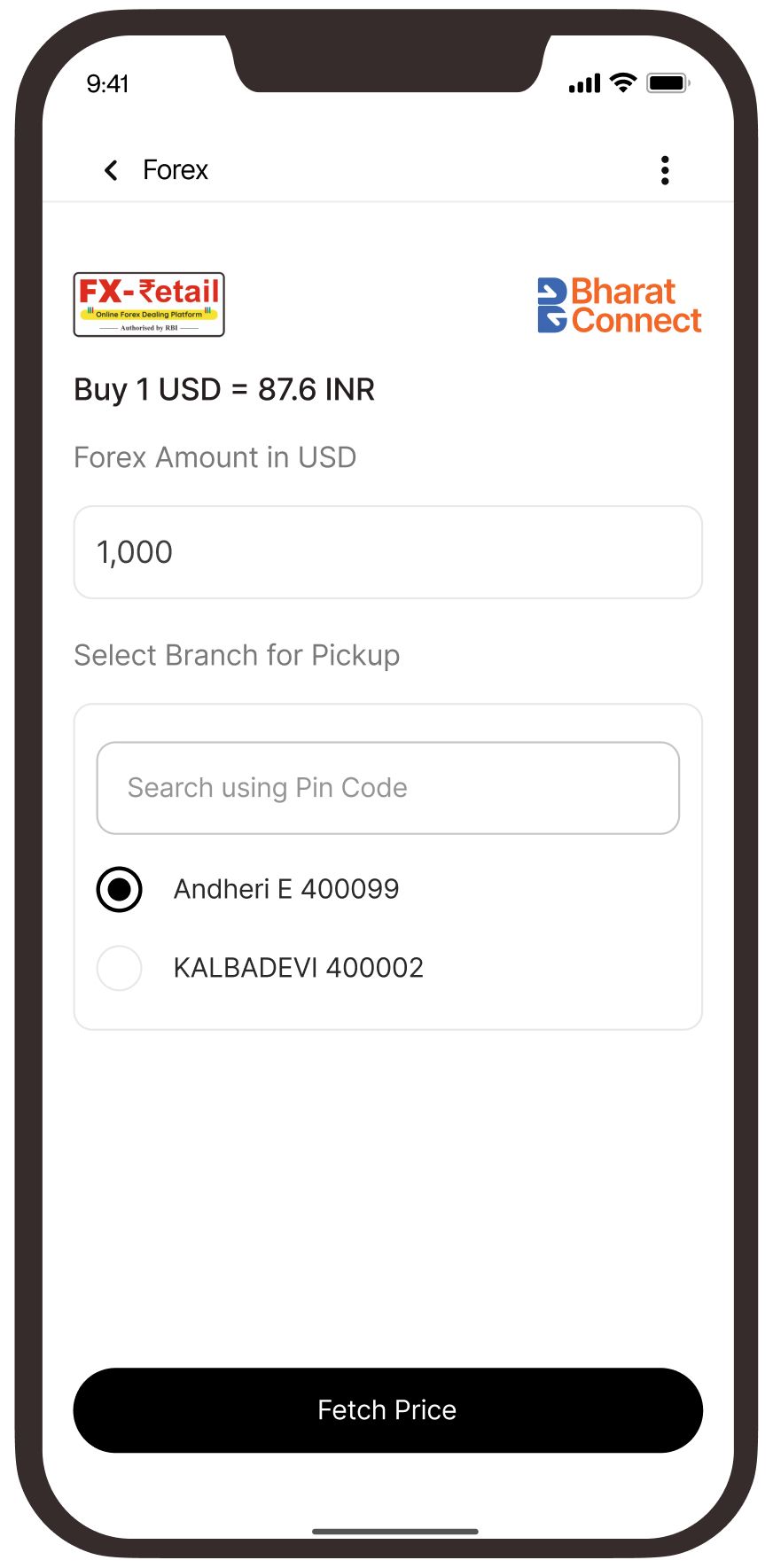
Enter the Forex amount you want to purchase and select the branch for pickup
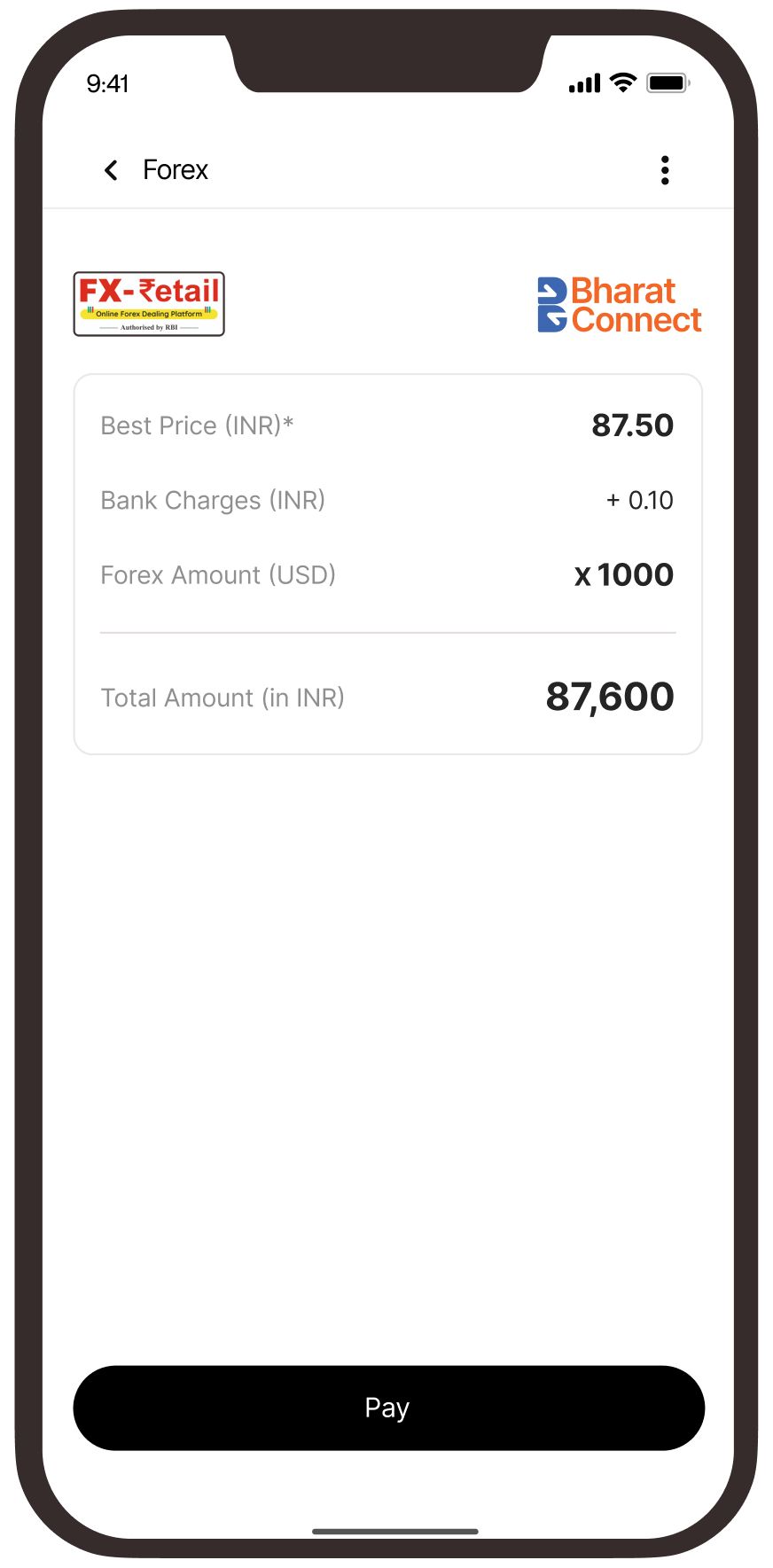
View the applicable Forex rate and make the payment using UPI (limit 5 lakhs) or netbanking
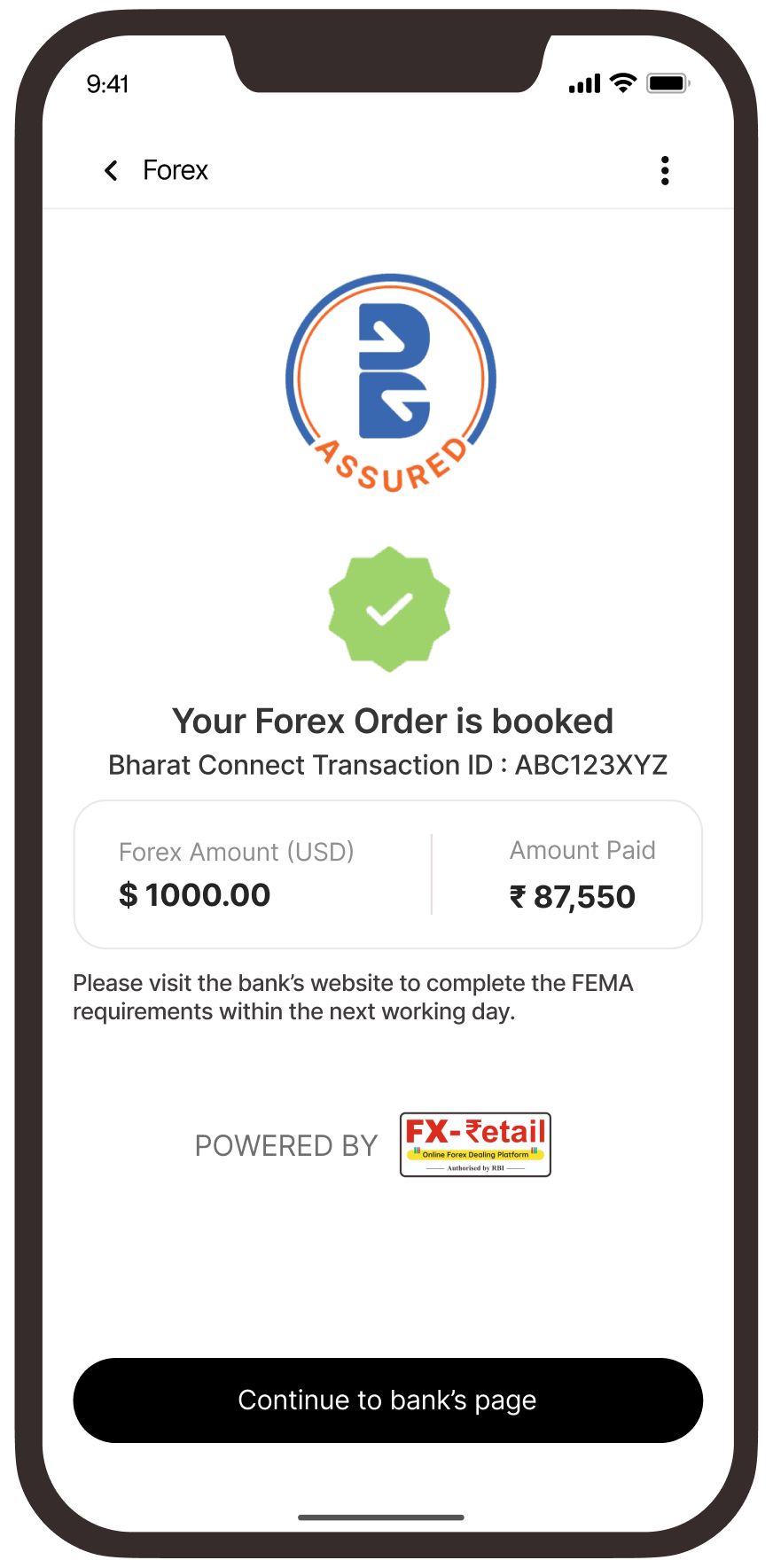
Your order is booked!
Visit the selected branch to complete the requisite checks
Banks Available
 HDFC Bank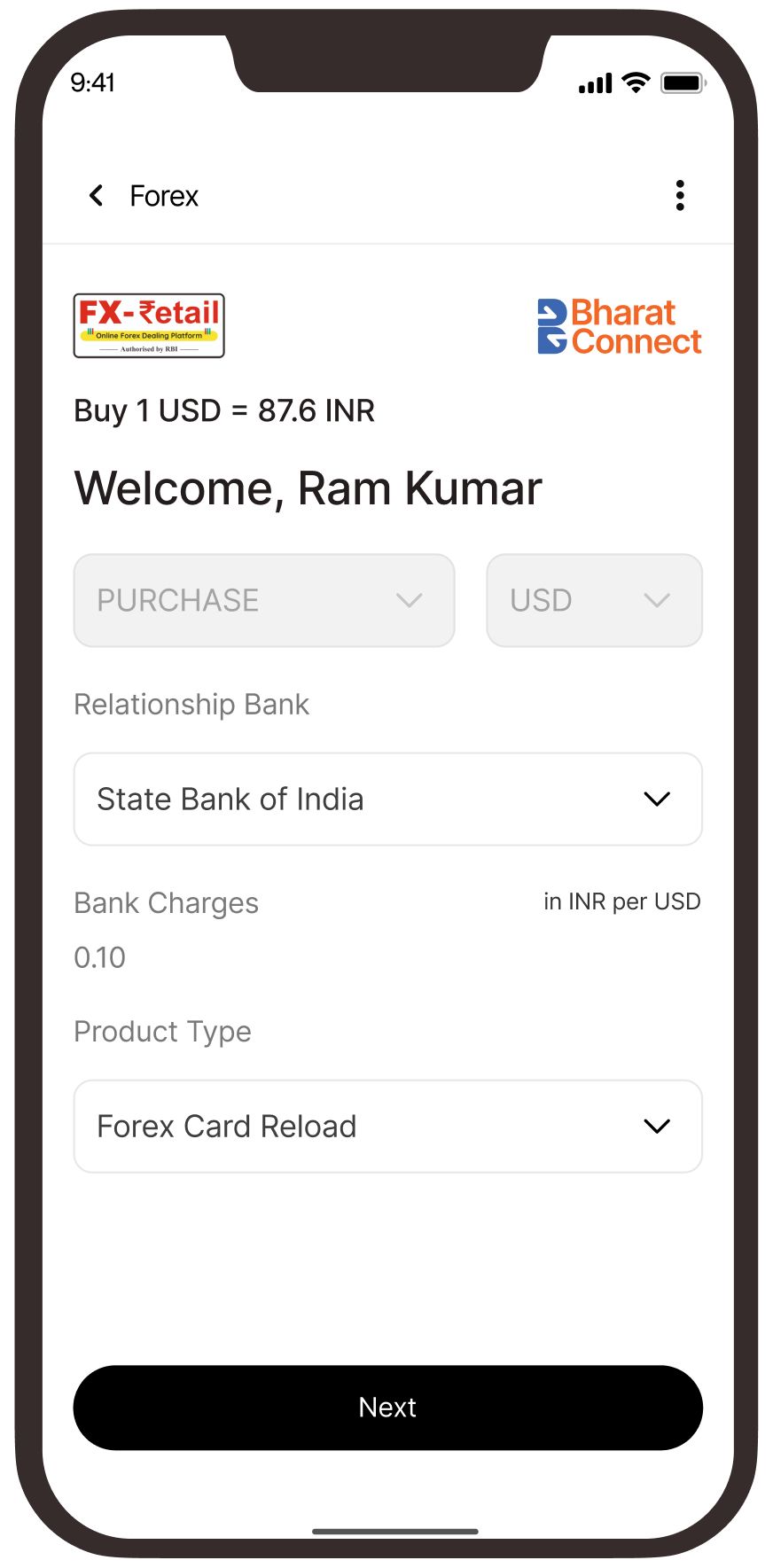
Complete one-time registration by entering your details like PAN, Bank A/c No, Branch IFSC and Email
Select the Bank whose Forex card you wish to reload and “Forex Card Reload” as the product
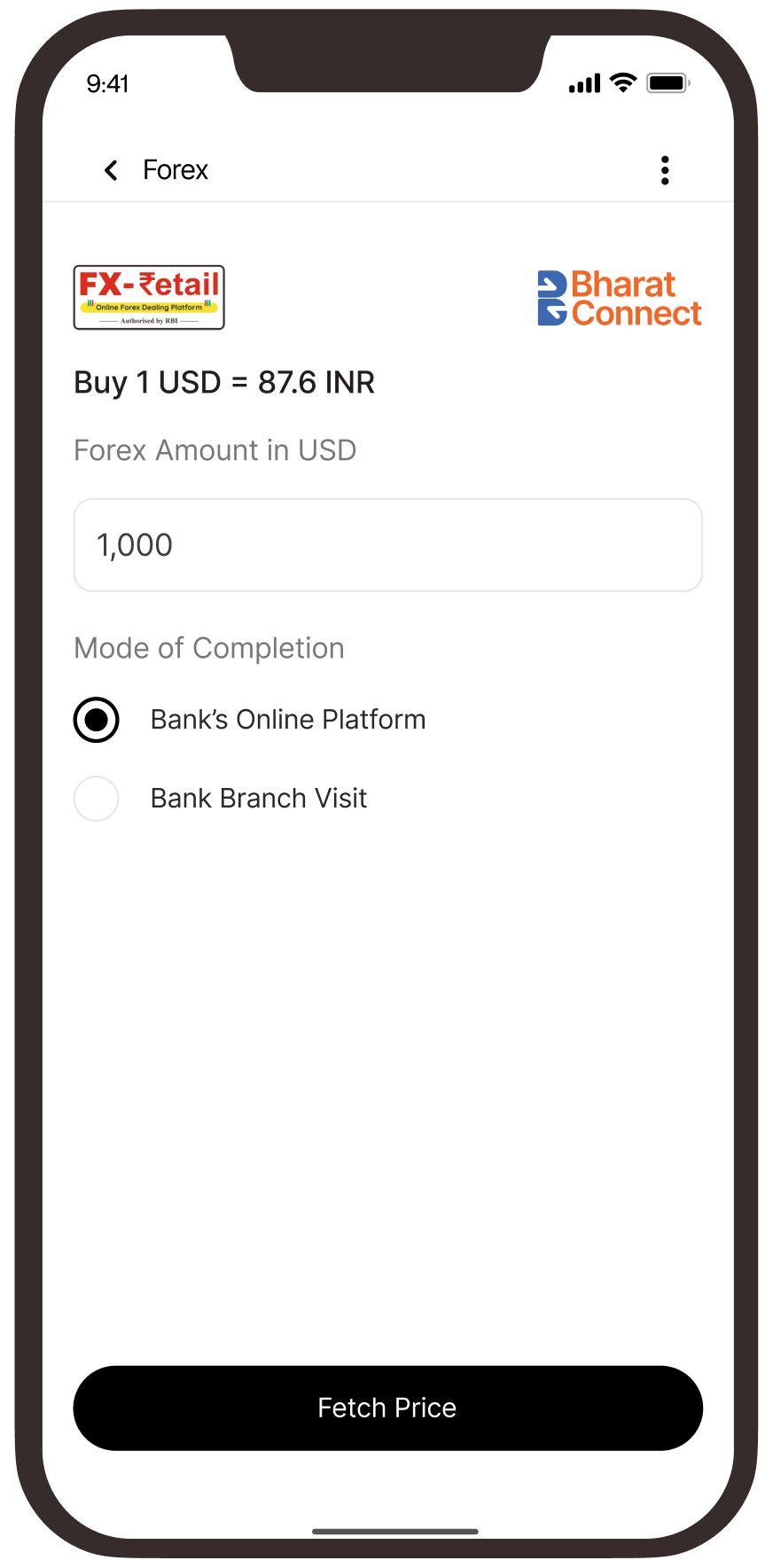
Enter the Forex amount you wish to purchase and choose the mode completion (branch assisted or bank’s portal)
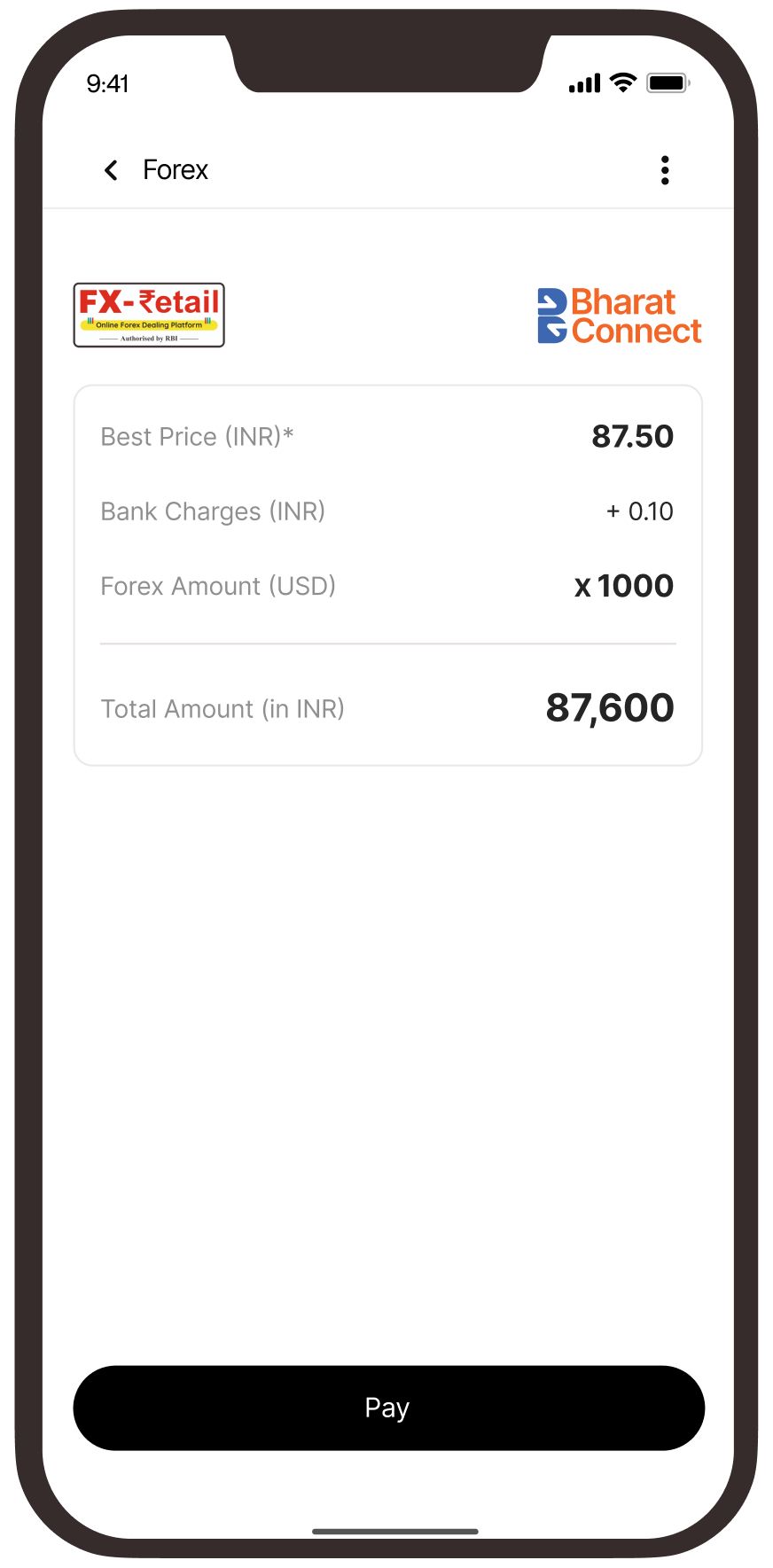
View the applicable Forex rate and make the payment using UPI (limit 5 lakhs) or netbanking
Your order is booked!
Continue to the bank’s portal to complete the requisite checks
Banks Available
 Yes Bank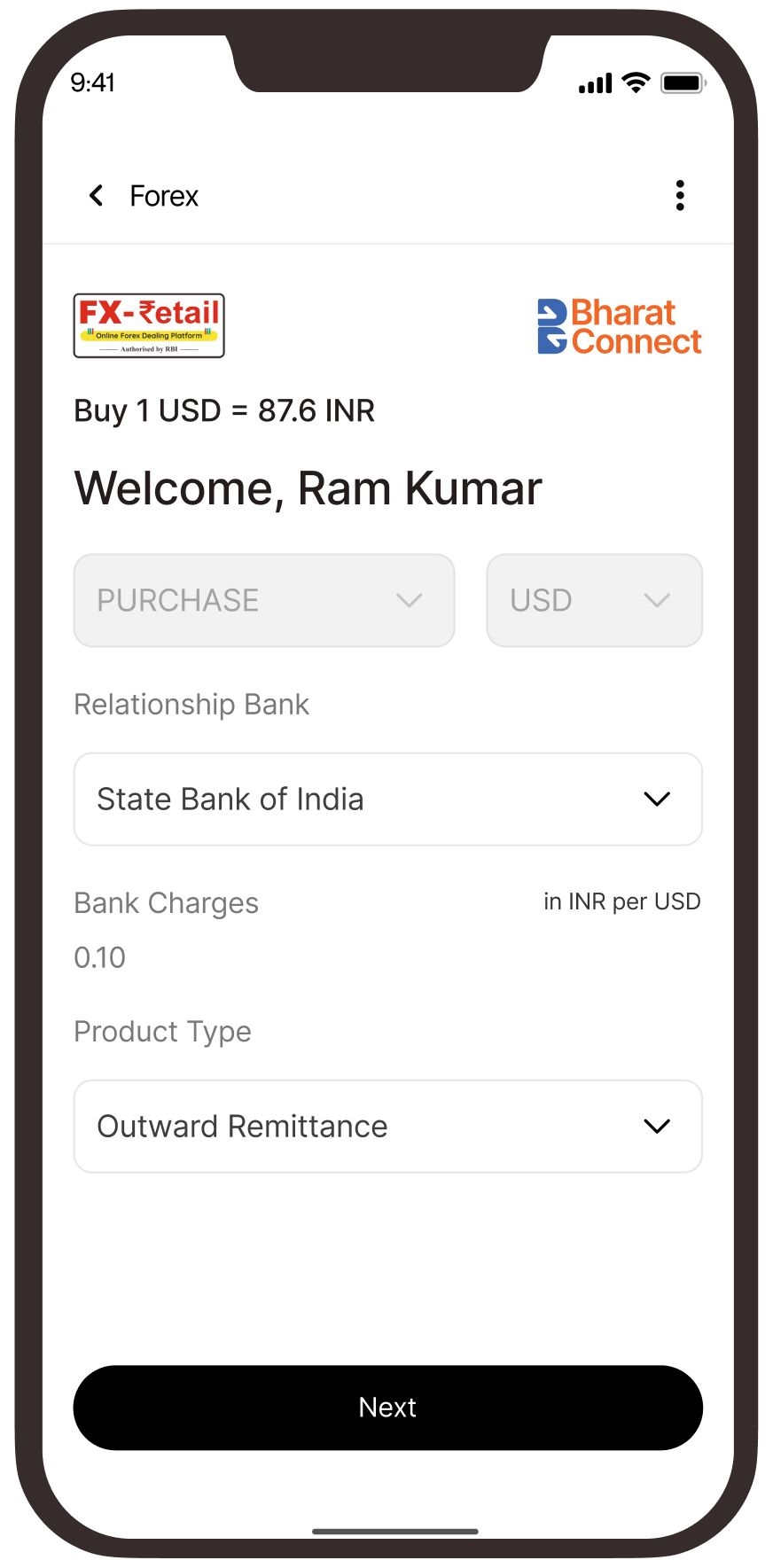
Complete one-time registration by entering your details like PAN, Bank A/c No, Branch IFSC and Email
Select the Bank and choose “Outward Remittance” as the product
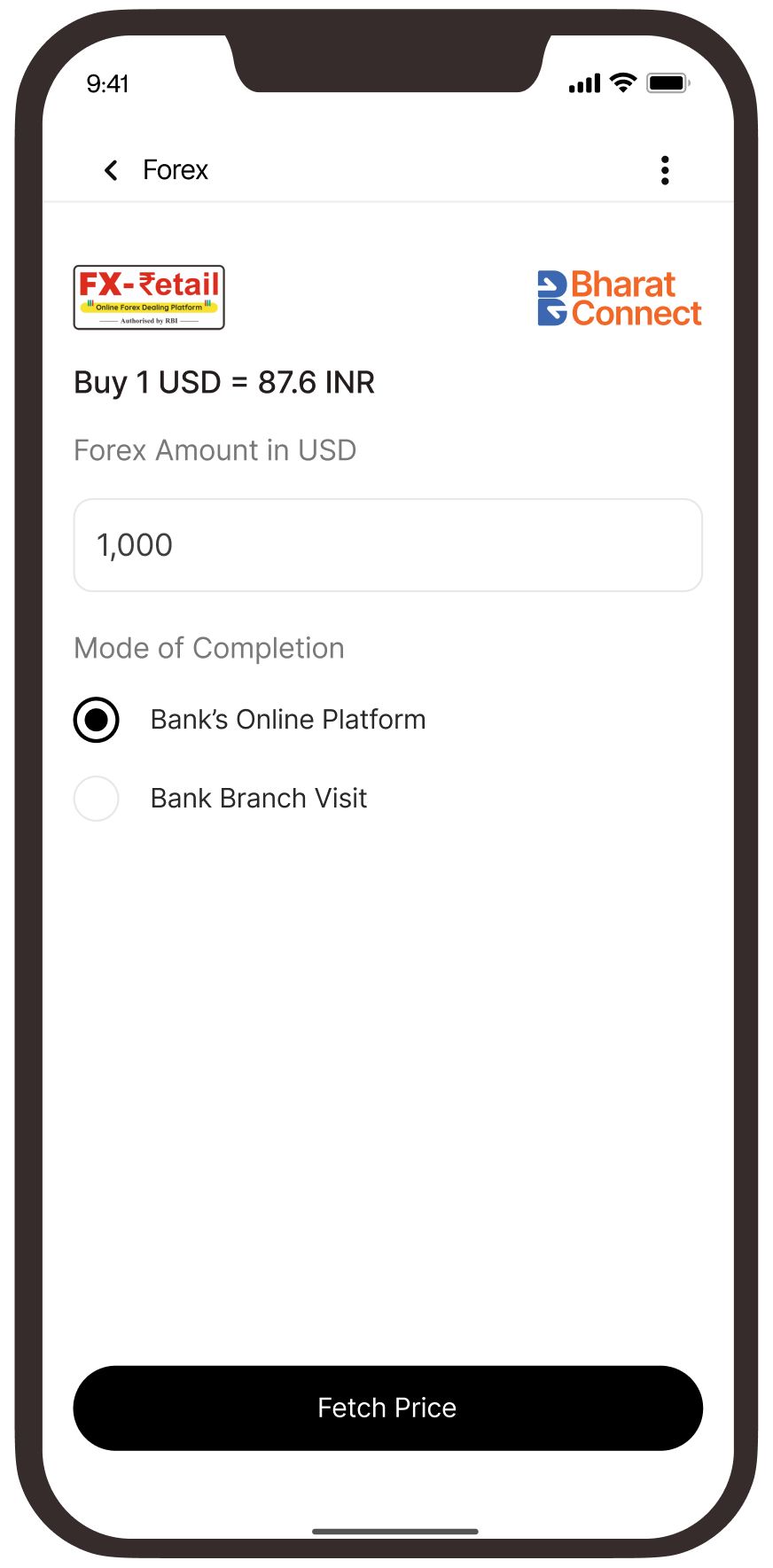
Enter the Forex amount you wish to remit and choose the mode of completion (branch assisted or bank’s portal)
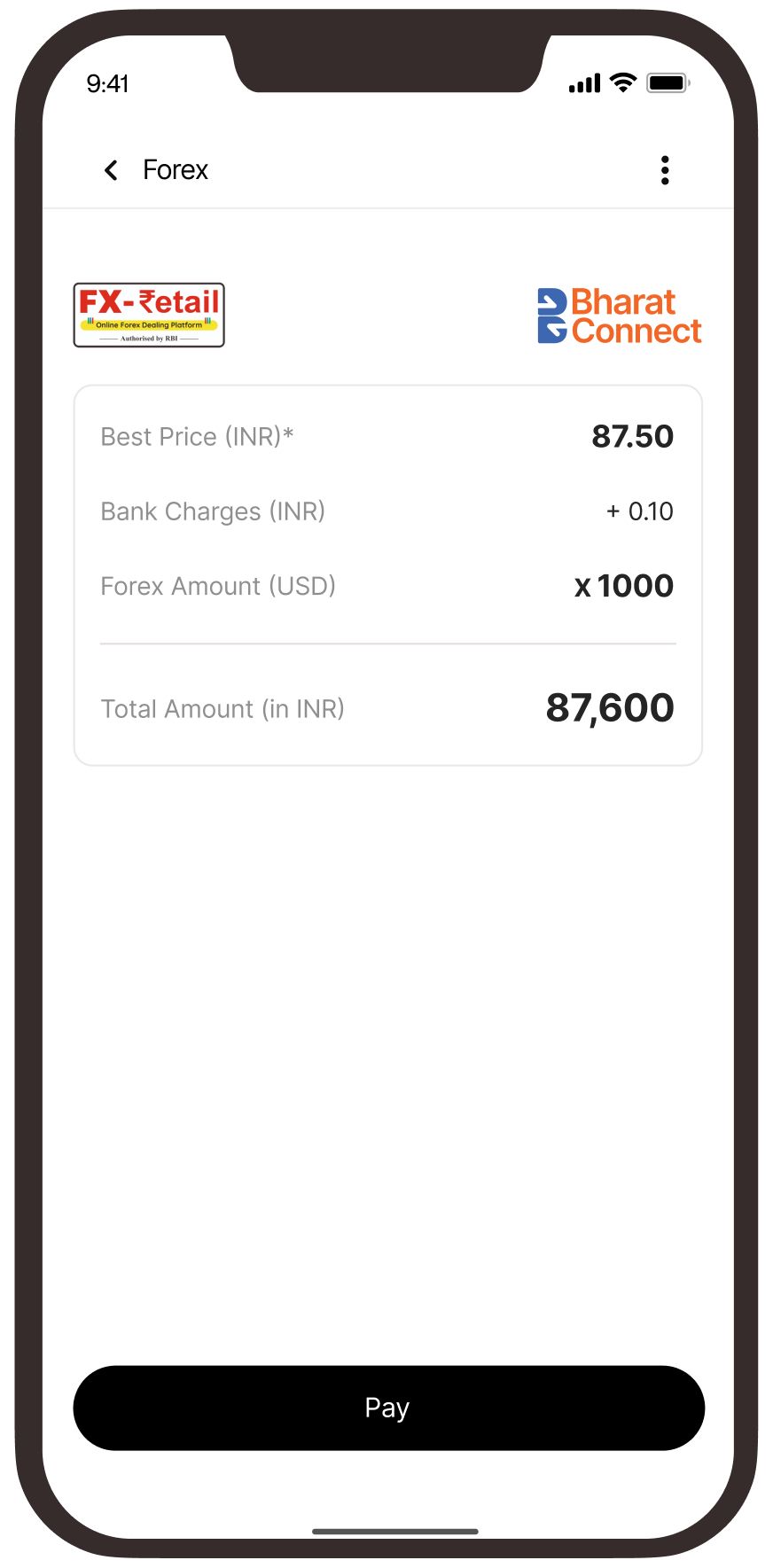
View the applicable Forex rate and make the payment using UPI (limit 5 lakhs) or netbanking
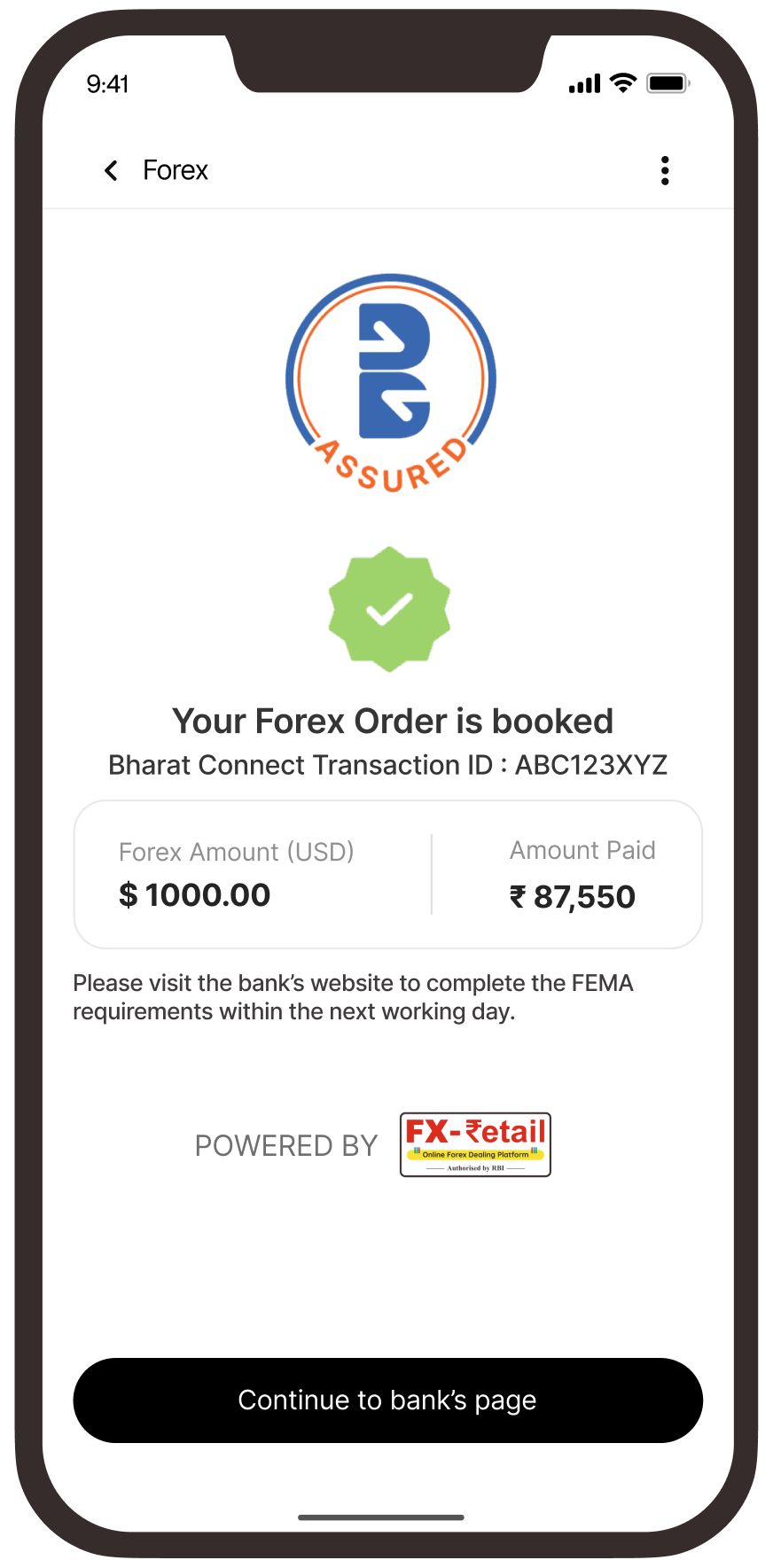
Your order is booked!
Continue to the bank’s portal to complete the requisite checks
Banks Available
 Axis Bank
  Bank Of Baroda Federal Bank HDFC Bank
  ICICI Bank Yes Bank
  IndusInd Bank
  Forex Card Issuance
  Other Currencies
  Forex Sale
 Only resident Indian individuals are eligible to register in Phase 1. Non-Resident Indians (NRIs) cannot register at this stage.
Registration is completely free of charge. No physical documents are required because the process is fully digital. Your PAN will be validated online, and your selected bank account must be active, KYC-compliant, and you must be the primary account holder.
Initially, you can register with only one relationship bank through a BBPS-enabled app or website. If you want to add more banks later, log in to the FX Retail website and go to the 'Bank Relationship' section. Your FX Retail Customer ID works across all integrated
platforms.
No. FX Retail ensures that only one unique Customer ID is created for each PAN, mobile number, and email address.
You can register anytime, 24x7, using BBPS-enabled channels.
Your mobile number is auto-populated from your bank or TPAP records during registration and cannot be edited at that time. If you need to change your mobile number later, you must cancel your existing registration and re-register with the new number. Email address changes can be made through the FX Retail website by following the prescribed process.
To deactivate your account or update your credentials, visit the FX Retail website and follow the instructions provided.
Only resident Indian individuals can buy forex in Phase 1. Currently, only US Dollars (USD) are available for purchase.
You can buy forex for foreign travel, reloading a Forex Card issued by your bank, and outward remittances for permissible purposes under FEMA guidelines. Transactions can be booked on working days (Monday to Friday) between 9:15 AM and 3:30 PM.
You can book up to USD 10,000 for a Forex Card, USD 10,000 for remittance, and USD 3,000 for physical currency. There is no daily cap on the number of transactions, but the overall limit under the Liberalised Remittance Scheme (LRS) is USD 250,000 per financial year.
Your bank may add charges to the base forex rate, and any applicable taxes or additional fees will be disclosed during the fulfilment process. These charges vary by bank.
No, the forex rate is not fixed and may fluctuate. FX Retail adds a small buffer to minimize the risk of transaction rejection due to rate volatility.
Yes, you can pay from any account that belongs to you. Payments from third-party accounts are strictly not allowed.
Your relationship bank will provide the Forex Card or physical currency. Physical currency must be collected at the branch, while Forex Cards can be reloaded digitally or at the branch. You can also remit funds online through your bank’s secure URL by providing
beneficiary details.
Once confirmed, you cannot cancel a transaction. However, your bank may cancel it for reasons such as non-compliance, failure to show up, or AML violations. In such cases, the bank will recover applicable charges and forex losses before refunding the remaining
amount in INR.
• For booking-related or order-related issues, please reach out directly to your bank.
• For app/website issues, raise a complaint directly on the platform.
• For FX Retail-related concerns, email supportfxretail@ccilindia.co.in or submit a grievance ticket on the FX Retail portal (https://www.fxretail.co.in/#/login/) or call the helpline numbers 1800 266 2109 (toll free) or +91 22 6154 6313. The helpdesk is available Monday to Friday from 8:00 AM to 7:30 PM.